



Description
Download Telegram X APK – messaging, chat, instant messaging, secure communication, fast messaging, cloud integration, customizable interface
Overview
Telegram X is a chat and instant messaging application developed by the creators of Telegram as an official alternative client. Designed to enhance the user experience, it focuses on speed, responsiveness, and streamlined navigation. The app maintains core functionalities such as secure messaging, group chats, media sharing, and cloud integration, ensuring continuity for existing Telegram users. It is intended for individuals and professionals seeking a faster, more intuitive messaging platform without compromising on security or reliability. Real-world usage scenarios include daily personal communication, team coordination, file sharing across devices, and managing multiple conversations efficiently. The app aims to deliver a smoother browsing experience through optimized performance and refined interface design. While it retains the familiar look and feel of the original Telegram app, it introduces subtle but impactful improvements in workflow and visual clarity. The developer did not provide additional background on the development timeline or team structure. Platform compatibility information is limited to Android, as the APK is specifically designed for mobile devices. Performance observations are based on general software behavior patterns.
Key Features & Capabilities
- Enhanced Performance: Optimized for faster load times and smoother transitions, resulting in a more fluid user experience compared to the original app.
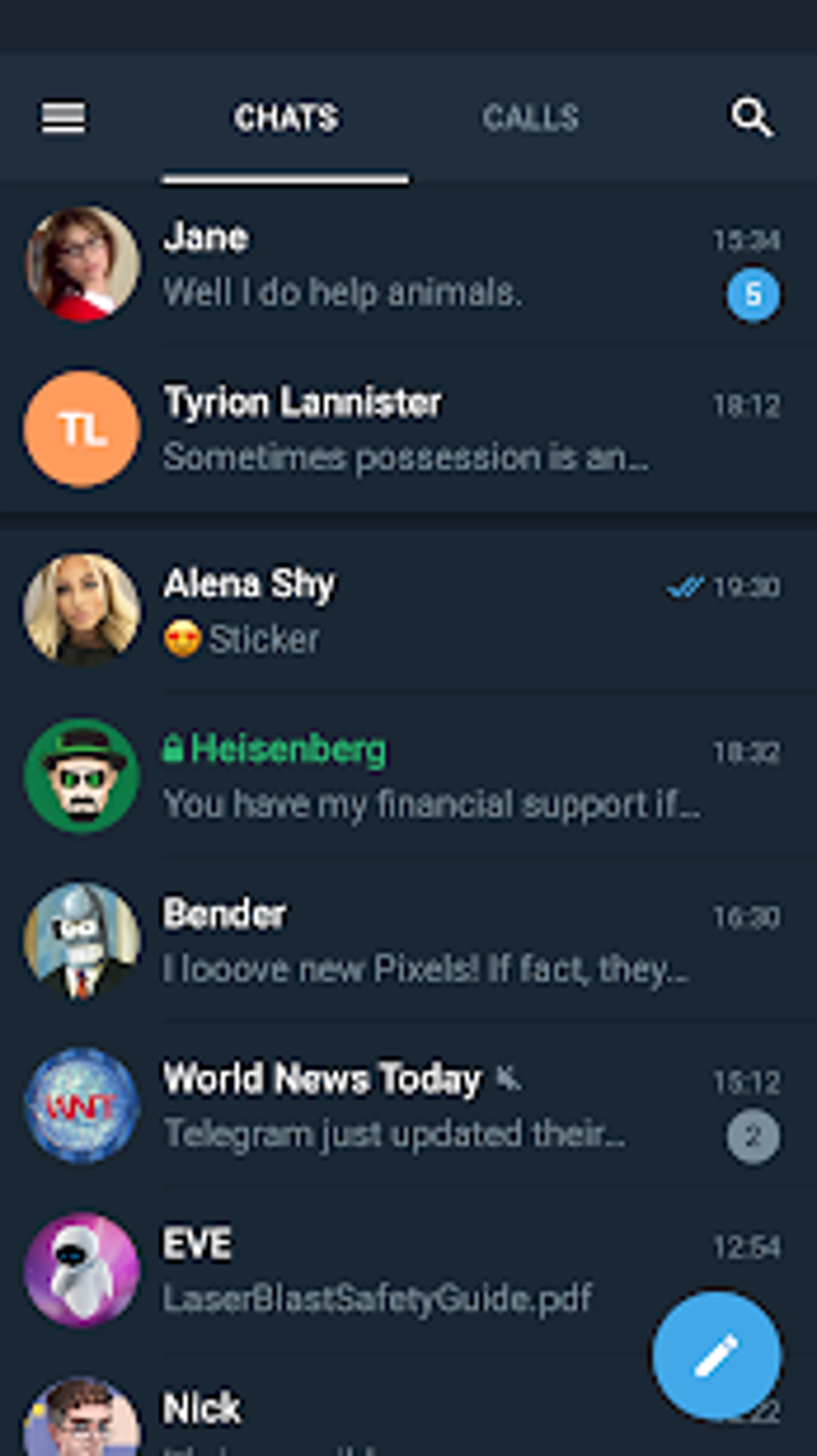
- Streamlined Navigation: Dedicated tabs for chats and calls allow users to manage communications more intuitively and reduce navigation friction.
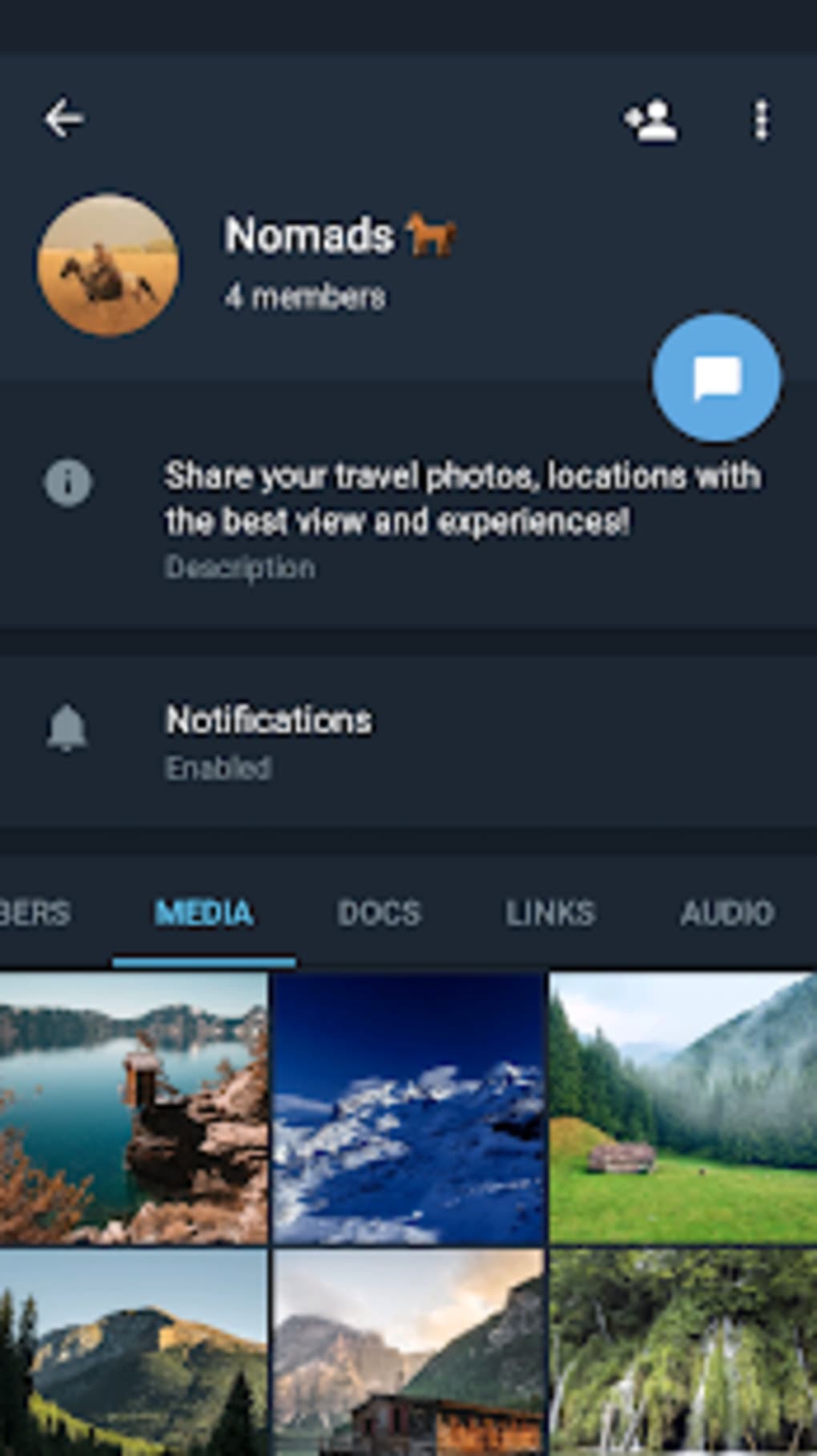
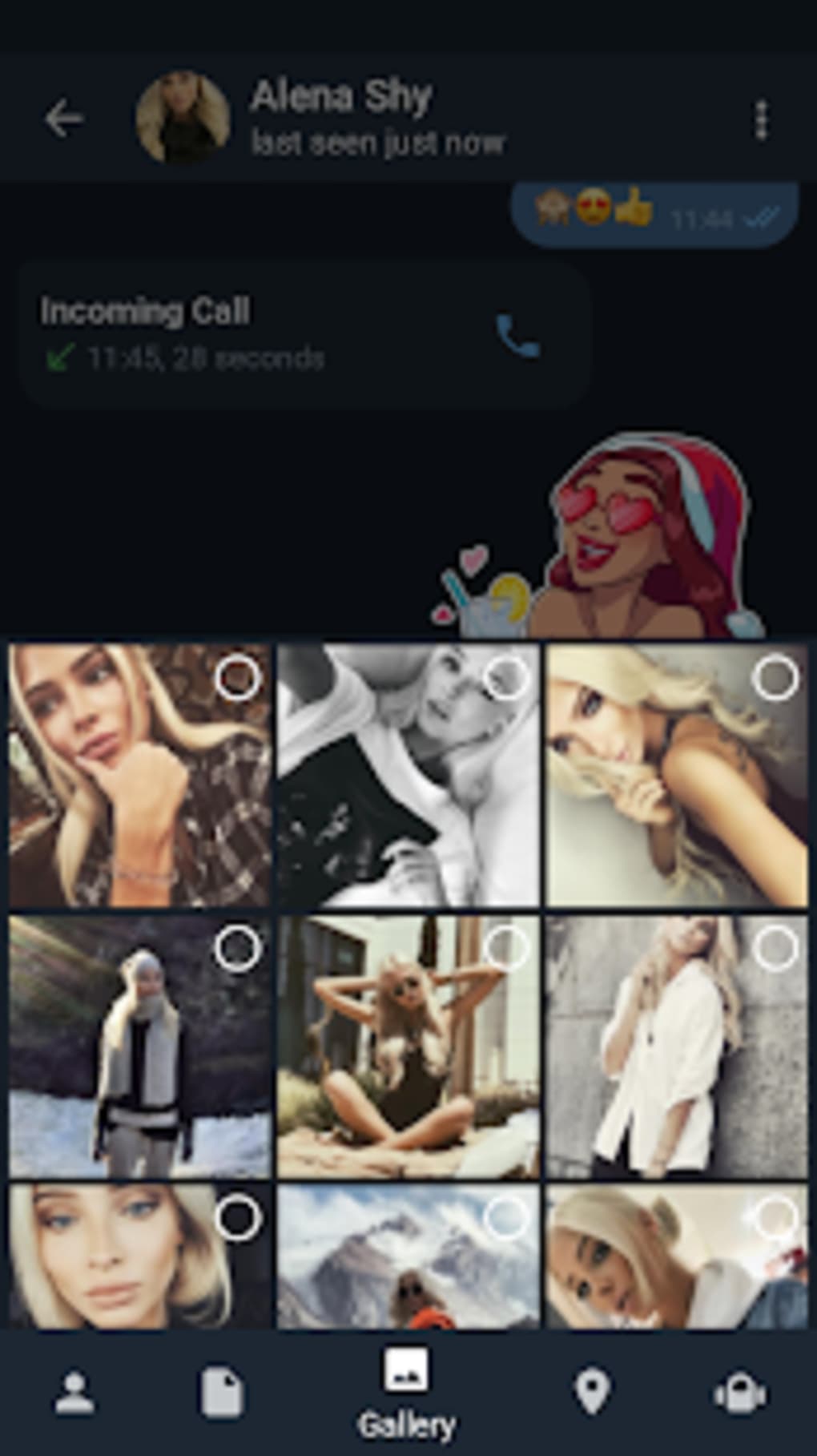
- Categorized Attachments: Received files are automatically organized into categories such as images, documents, and multimedia, improving file retrieval speed and usability.
- Customizable Interface: Offers adjustable chat bubbles, multiple theme options, and an integrated night mode for improved readability and visual comfort in low-light settings.
- Integrated Photo Editor: Enables basic image adjustments directly within the app, such as cropping, filters, and brightness controls, reducing reliance on external tools.
- Cloud-Based Synchronization: Messages and media are securely stored in the cloud and accessible across all devices, ensuring seamless continuity.
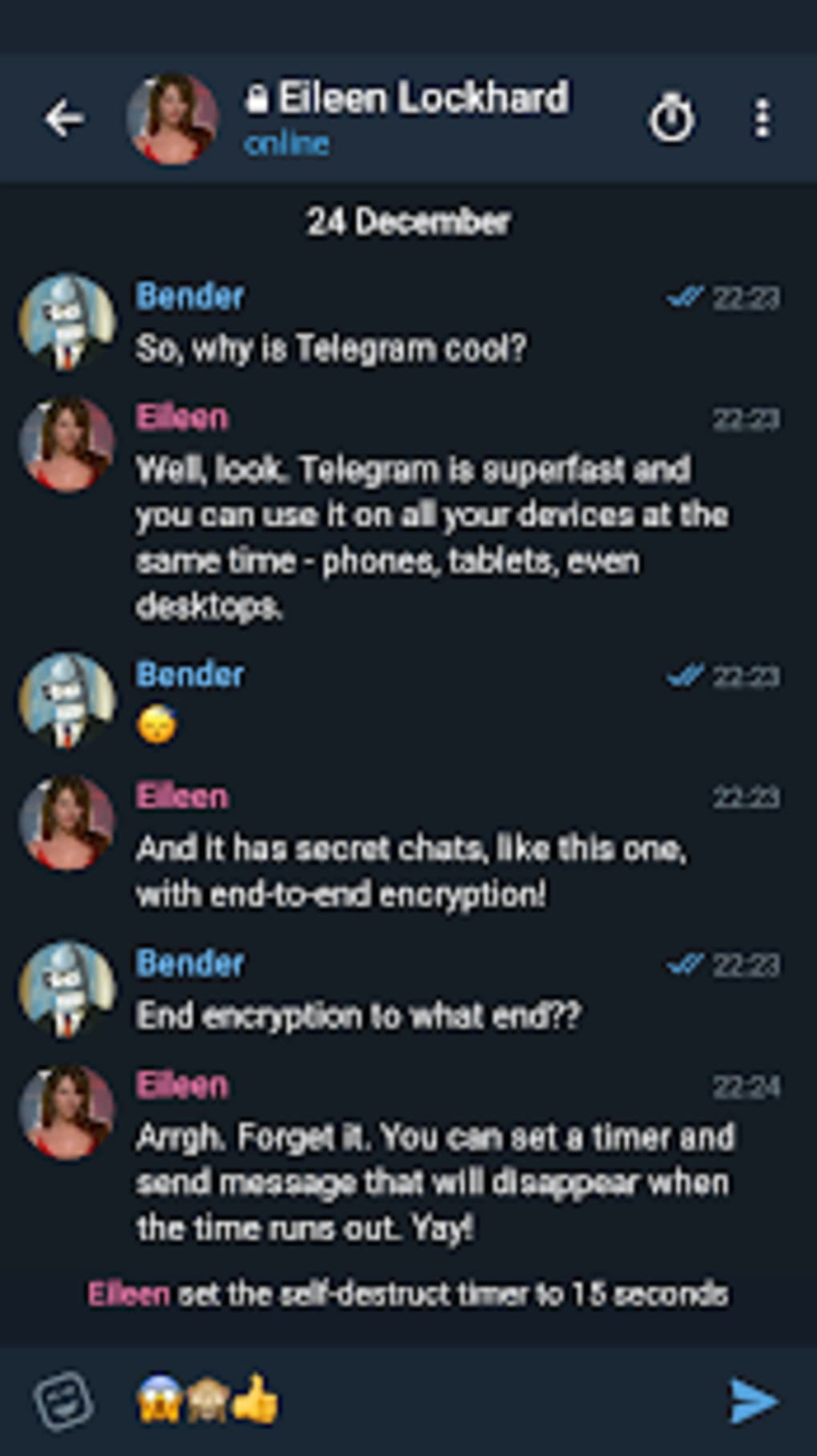
These features collectively support efficient communication workflows, especially for users managing high volumes of messages and files. The simplified interface enhances productivity by minimizing clutter and prioritizing key actions. Users can personalize their experience to suit individual preferences, improving engagement and satisfaction. The app maintains end-to-end encryption for secret chats and server-side encryption for regular conversations, aligning with Telegram’s security standards. However, the developer did not specify whether all original features are fully supported.
User Interface, Workflow & Performance
Telegram X features a clean, modern interface with a focus on usability and visual clarity. Navigation is structured around dedicated tabs for chats and calls, enabling quick access to ongoing conversations and voice or video interactions. The layout emphasizes minimalism, reducing visual distractions and improving focus. Workflow efficiency is enhanced through intuitive gestures and responsive feedback, allowing users to switch between conversations and manage attachments with fewer taps. The app’s performance is optimized for responsiveness, delivering quicker message rendering and smoother scrolling. While exact performance details were not specified, the design suggests efficient memory and CPU usage patterns typical of well-architected mobile applications. Stability appears consistent based on general behavior, though real-world usage may vary depending on device capabilities. The developer did not specify resource usage details. Users can expect a reliable experience with minimal lag during standard messaging tasks. The interface adapts well to different screen sizes and orientations, supporting a consistent experience across various Android devices.
Compatibility & System Requirements
Telegram X is designed for Android devices and is distributed as an APK file. The app is compatible with Android 6.0 and above, ensuring broad accessibility across older and newer smartphones and tablets. The installation size is approximately 30 MB, making it lightweight and suitable for devices with limited storage. Exact system requirements were not listed, and the developer did not provide detailed hardware specifications. Compatibility information is limited to the operating system version and file format. Users should ensure their device supports APK installations, which may require enabling "Unknown Sources" in security settings. The app does not currently support iOS or desktop platforms. Platform compatibility information is limited to Android, and no official versions for other systems were mentioned.
Pros and Cons
Pros
- Significantly faster performance and smoother navigation compared to the original Telegram app.
- Streamlined interface with dedicated tabs for chats and calls improves workflow efficiency.
- Automatic categorization of attachments enhances file management and retrieval.
- Extensive customization options, including themes, chat bubbles, and night mode.
- Integrated photo editor allows quick image adjustments without leaving the app.
- Lightweight installation size (30 MB) suitable for low-storage devices.
Cons
- Some advanced features from the original Telegram app may be missing or delayed in rollout.
- Occasional lag in feature updates compared to the main Telegram application.
- APK distribution limits access to official app stores, requiring manual installation.
- Limited platform support, currently only available for Android.
- Security concerns may arise from sideloading APKs without verified sources.
FAQ Section
Is Telegram X compatible with all Android devices?
Telegram X is designed for Android 6.0 and above. While it supports a wide range of devices, compatibility may vary depending on the manufacturer’s software modifications and device capabilities.
Is it safe to download the Telegram X APK?
Telegram X is developed by the official Telegram team. However, downloading APKs from third-party sources carries inherent risks. Users should only install the file from trusted, verified sources to minimize security threats.
Does Telegram X receive regular updates?
Yes, Telegram X continues to receive updates and enhancements. However, new features may be rolled out slightly later than in the main Telegram app.
Can I use Telegram X alongside the original Telegram app?
Yes, both apps can be installed simultaneously on the same device. They operate independently, allowing users to manage different accounts or compare features.
Is Telegram X available for iOS or desktop?
As of now, Telegram X is only available as an APK for Android. There are no official versions for iOS, Windows, macOS, or Linux.
Final Thoughts
Telegram X represents a meaningful evolution in the Telegram ecosystem, offering a faster, more intuitive messaging experience with enhanced customization and performance. Its streamlined interface, optimized workflows, and built-in tools make it a compelling alternative for users who prioritize speed and ease of use. While it may lack some advanced features found in the original app and currently supports only Android, its strengths in responsiveness and personalization are undeniable. For individuals seeking a secure, reliable, and efficient messaging platform with a modern touch, Telegram X delivers significant value. The combination of speed, simplicity, and user-centric design positions it as a top choice among mobile messaging tools. Download Telegram X now.
Guides & Tutorials for Telegram X APK
How to install Telegram X APK
- Click the Preview / Download button above.
- Once redirected, accept the terms and click Install.
- Wait for the Telegram X APK download to finish on your device.
How to use Telegram X APK
This software is primarily used for its core features described above. Open the app after installation to explore its capabilities.
User Reviews for Telegram X APK 0
No reviews found





